
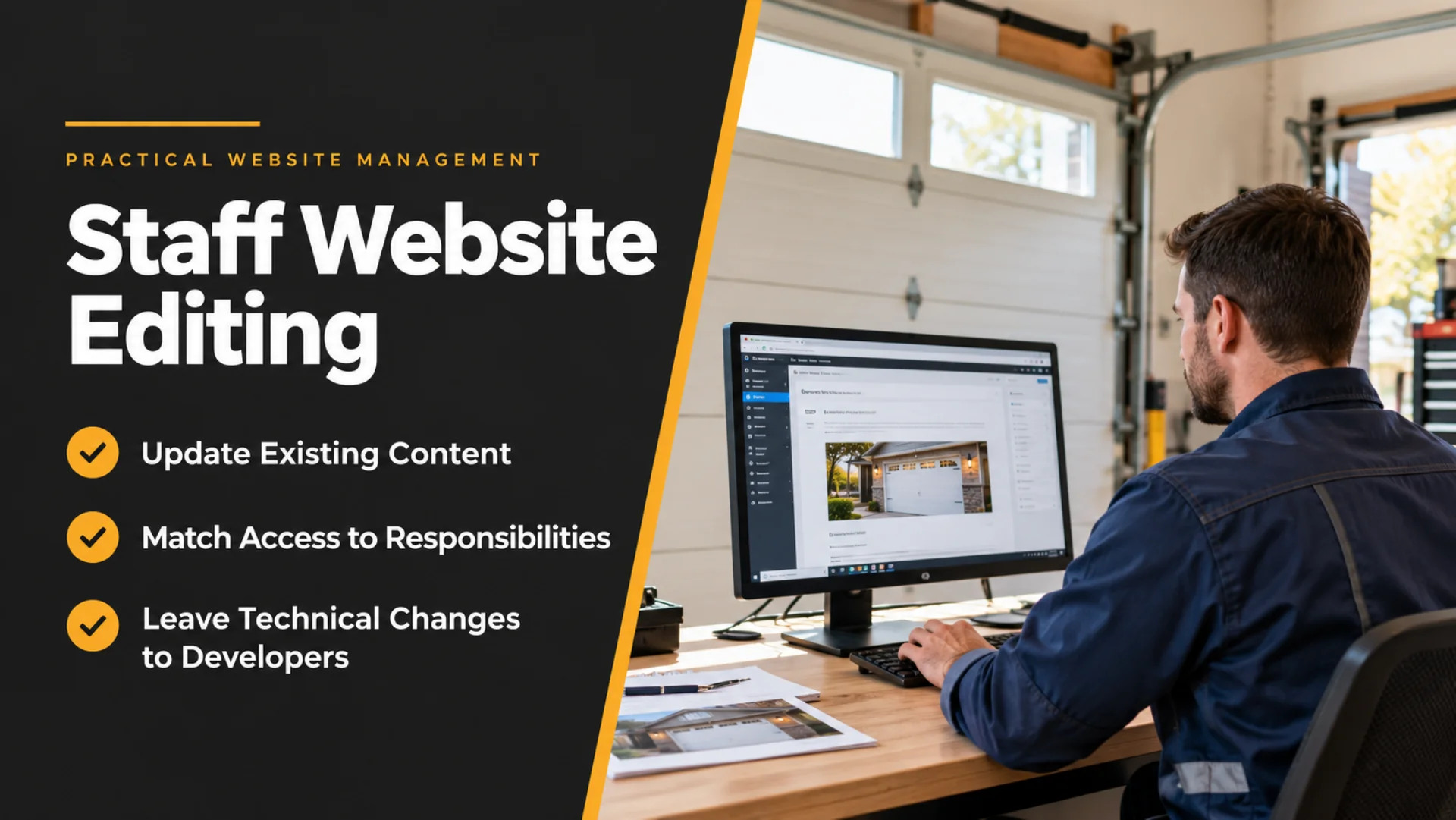
Giving Our Staff a Practical Way to Handle Routine Website Changes
A business website does not stop changing just because the main development work is finished.
Why routine website changes mattered to us
At Elite Garage Masters, our website covers residential garage door installation, opener replacement, spring and cable repairs, off-track doors, tune-ups, pre-winter service, weatherstripping and other services. Customers can also use the site to understand what we do and request a quote. Most changes to that information do not require a developer. Sometimes an existing service description needs clarification. A photo may need replacing. Contact information may need updating. Seasonal wording may need refreshing.The bottleneck we wanted to avoid
There is an unnecessary workflow that can develop when only one person has any ability to change a business website.- A staff member notices information that needs correcting.
- They tell the owner.
- The owner finds time to explain it to the developer.
- The developer may need clarification.
- Eventually a small content change is made.
Authorised staff
Correct approved wording, replace an existing image or update contact details.
Developer
Handle page structures, form functionality, plugins, security or hosting.
The task determines the right level of access, not the other way round.
Routine editing and technical control are different jobs
One useful distinction is between changing business information and changing the website itself. Updating an existing paragraph about a garage door service is a content task. Replacing an approved image is a content task. Correcting existing contact information is a content task. Changing a form’s functionality, rebuilding a page layout, installing software, modifying the theme, changing security settings or working on hosting is different. Those actions can affect much more than the information visible on one page. WordPress roles and capabilities are built around this general principle: different users can be given different responsibilities rather than every user receiving the same level of control. That matters when website access is being considered for staff. Giving somebody responsibility for ordinary content does not automatically mean they need access to every technical setting behind the website.What routine editing can look like in a garage door business
For our type of website, practical staff-managed changes could include existing service information, approved photographs, contact details and seasonal wording such as information around pre-winter service. A staff member who understands the business should not need to learn about plugins, hosting or website security merely to correct a sentence. The boundary we found useful is straightforward:| Type of change | Sensible responsibility |
|---|---|
| Correct existing service text | Suitable authorised staff |
| Replace an existing approved photo | Suitable authorised staff |
| Update existing contact or business information | Suitable authorised staff |
| Refresh existing seasonal service wording | Suitable authorised staff |
| Build a new page or major section | Developer |
| Change forms or website functionality | Developer |
| Modify plugins, themes, security or hosting | Developer |
Access is only useful when the boundaries are clear
Our website credits Khalsa Website Designers as its designer, and there is also a public WebAssist developer profile for Khalsa Website Designers . What mattered to us in this part of the website-management discussion was something quite practical: editing access should match the work the person is actually expected to perform. Khalsa Website Designers’ website-access options currently make a similar distinction. Existing content editing can be separated from full administrator-level control and technical website management. That principle makes sense for a business with staff.The training should match the responsibility as well
The same thinking applies to training. Someone making routine changes does not need a technical course on every part of WordPress. They need enough understanding to perform their specific tasks carefully. For us, the useful training and setup is about knowing where ordinary content is edited, recognising the difference between an existing-content change and a structural change, checking a change before publishing it, and knowing when a request has moved beyond routine editing. That keeps the learning connected to real business responsibilities. It also avoids a common problem with website handovers: showing somebody so many technical options that a simple task begins to feel more complicated than it really is.Video: Understanding WordPress user roles
This WordPress tutorial introduces user roles and permissions, helping explain why routine content editing and full technical access are different responsibilities.
Video by WPBeginner. Watch on YouTube if embedded playback is unavailable.
It is still important to control who can change the site
Giving staff editing ability does not mean everybody in the company should have access. The person should have a genuine reason to manage website information and understand what they are responsible for. There also needs to be an internal expectation that published information remains accurate. This becomes especially important for a service business. Customers may be using the website to decide whether a particular garage door service fits their problem before they call or submit an enquiry. An editing system is useful only when it helps keep that information dependable.Five questions worth deciding before staff receive website access
- What information on the website changes often enough that waiting for the owner or developer creates unnecessary delay?
- Which person in the business is closest to that information and responsible enough to maintain it?
- Which existing content should that person be allowed to change?
- Which structural, functional or technical changes should remain developer work?
- Who checks that an important update is accurate before or after it is published?
Frequently asked questions about staff website editing
Can staff update website information without involving a developer?
Suitable authorised staff can handle defined routine changes, such as correcting existing service wording, updating contact information or replacing an approved photo. More complex work should stay with the developer.
Does a staff member need full WordPress administrator access to edit content?
Not necessarily. WordPress roles and capabilities allow access to be matched to responsibilities. Staff who only maintain existing content do not automatically need control over plugins, themes, users or technical settings.
Which website changes are better left to a developer?
Building new pages or sections, changing form functionality, and modifying plugins, themes, security or hosting go beyond ordinary content editing and are better treated as developer-level tasks.
Should every employee be given website editing access?
No. Access should be limited to people with a genuine responsibility for keeping website information accurate, and their permissions should reflect the tasks they need to perform.
What should routine website editing training cover?
Training should show staff where existing content is edited, how to check changes before publishing, and how to recognise when a request needs technical help. A full WordPress development course is not required for ordinary content updates.
Who should check an important website update before it goes live?
The business should decide who is responsible for checking accuracy before or after publication. That decision helps keep service information dependable for customers.